

Microsoft AI Video Editor for Creators
Clipchamp (clipchamp.com) is Microsoft's official browser-based video editor offering professional editing capabilities without software downloads. Combining traditional timeline editing with AI-powered features like auto-captions, text-to-speech voiceovers, and background removal, Clipchamp serves creators from beginners to professionals needing accessible, cross-platform video production. Integrated into Windows 11 and Microsoft 365, the platform emphasizes ease of use with drag-and-drop simplicity while providing advanced tools including green screen effects, brand kits, and 4K exports.
How Clipchamp Works
Create a new project in your browser or launch Clipchamp from Windows 11. Choose a blank canvas or start with a template for social media posts, presentations, or marketing videos. Upload media from your device, OneDrive, or import from stock libraries (iStock photos, videos, and music). Drag clips onto the timeline and trim, split, or rearrange using the visual editor. Add text overlays with animated titles, apply transitions and filters, and insert AI-generated voiceovers in 80+ languages. Enable auto-captions with one click for accessibility and engagement. Use brand kit to maintain consistent colors, fonts, and logos across projects. Preview and export in resolutions up to 4K, or publish directly to YouTube, TikTok, LinkedIn, and OneDrive.
Key Features
- Browser-based editing — no downloads required, works on Windows, Mac, Linux, and Chromebook
- AI auto-captions — automatic subtitle generation with customizable styles and timing
- Text-to-speech voiceovers — AI voices in 80+ languages with natural intonation
- Background removal — AI-powered green screen effect without physical green screen
- Stock media library — access to millions of iStock photos, videos, and royalty-free music
- Brand kit — save logos, colors, and fonts for consistent branded content
- Template library — pre-designed layouts for social media, ads, and presentations
- Screen and camera recording — built-in capture for tutorials and presentations
- Direct social publishing — export to YouTube, TikTok, LinkedIn, and OneDrive without downloading
- Microsoft 365 integration — seamless access from Windows 11 and Office applications
Clipchamp Pricing
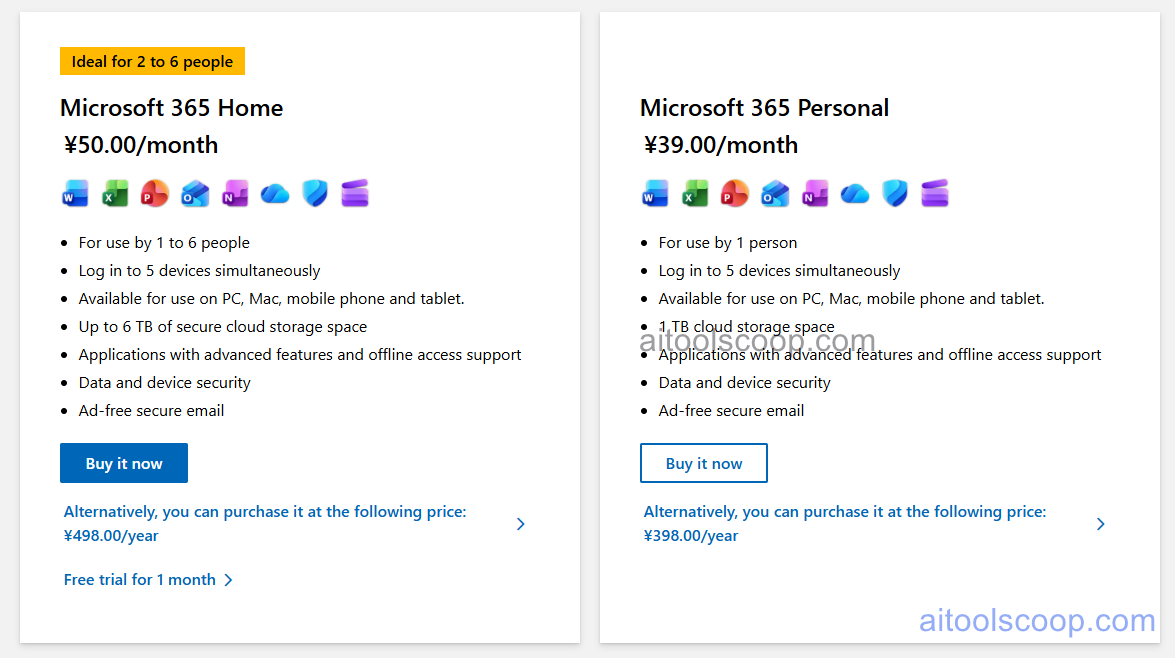
- Free — $0/month — unlimited videos, 1080p exports, basic templates and stock media, Clipchamp watermark, standard AI features.
- Premium — $39/month or $398/year ($33.17/month) — no watermark, 4K exports, premium stock library access, unlimited cloud storage, brand kit, priority support, advanced AI features including background removal.
Always check the latest rates on the official website. For more AI tool reviews, visit aitoolscoop.com.
Who Should Use Clipchamp?
Clipchamp is perfect for Windows 11 users seeking integrated video editing without third-party software, small business owners creating marketing videos and social media content, educators producing course materials and tutorial videos, remote teams collaborating on video projects through Microsoft 365, content creators needing quick edits on multiple devices, and beginners wanting professional results without steep learning curves. The free plan suits casual users and students creating personal or educational content with watermarks acceptable. The Premium plan serves professionals and businesses requiring watermark-free 4K exports and brand consistency.