

Windsurf (windsurf.com), formerly Codeium, is an agentic AI IDE designed from the ground up for the era of AI-assisted development. Its central feature — Cascade — is an AI system that reads your entire codebase, understands the relationships between files, and makes coordinated multi-file edits as a single coherent operation. Where traditional AI coding assistants generate code snippets you paste in manually, Cascade acts more like a junior engineer working on the full task: it reads the relevant files, makes the edits, runs the terminal commands, checks the output, and iterates. In December 2025, Cognition AI (the company behind autonomous coding agent Devin) acquired Windsurf for approximately $250 million — the largest M&A deal in AI developer tools to date. As of February 2026, Windsurf ranks #1 in LogRocket's AI Dev Tool Power Rankings, ahead of both Cursor and GitHub Copilot.
Cascade: What Agentic Coding Actually Feels Like
The practical difference between Cascade and a conventional AI autocomplete tool is most visible when you're making a change that touches multiple files. With a standard copilot, you describe what you want, get a code snippet, paste it in, notice that it broke something in a related module, go fix that, discover another dependency issue, and repeat. With Cascade, you describe the change once, and Windsurf traces the dependencies, edits all the relevant files, runs your test suite, and presents you with a diff to review. The experience is more similar to code review than code writing — which is a meaningfully different cognitive mode. Tab completions are free on all plans and don't consume credits, so basic autocomplete works without any credit tracking. Credits are consumed only when you invoke Cascade for multi-file agentic operations.
Key Features
- Cascade — Multi-file agentic AI that traces dependencies, makes coordinated edits, runs terminal commands, and iterates on errors across your full codebase
- SWE-1 model family — Windsurf's in-house models optimized specifically for software engineering tasks; SWE-1 Lite is available at zero credit cost
- Multi-model support — Switch between SWE-1, Claude Sonnet, GPT-4.1, Gemini, and other frontier models within the same IDE session
- Tab/Supercomplete — Context-aware autocomplete that predicts multi-line completions based on surrounding code; free on all plans
- Previews and App Deploys — Test and deploy apps directly within the IDE (5 deploys/day on Pro, higher on Teams/Enterprise)
- Windsurf Plugins — Available for VS Code, JetBrains, Vim/Neovim, and Xcode for teams that want Windsurf's autocomplete and chat without switching IDEs
Windsurf Pricing
Source: windsurf.com/pricing, verified March 2026. Windsurf uses a credit-based model: 1 credit = $0.04. Tab completions are free and do not consume credits.
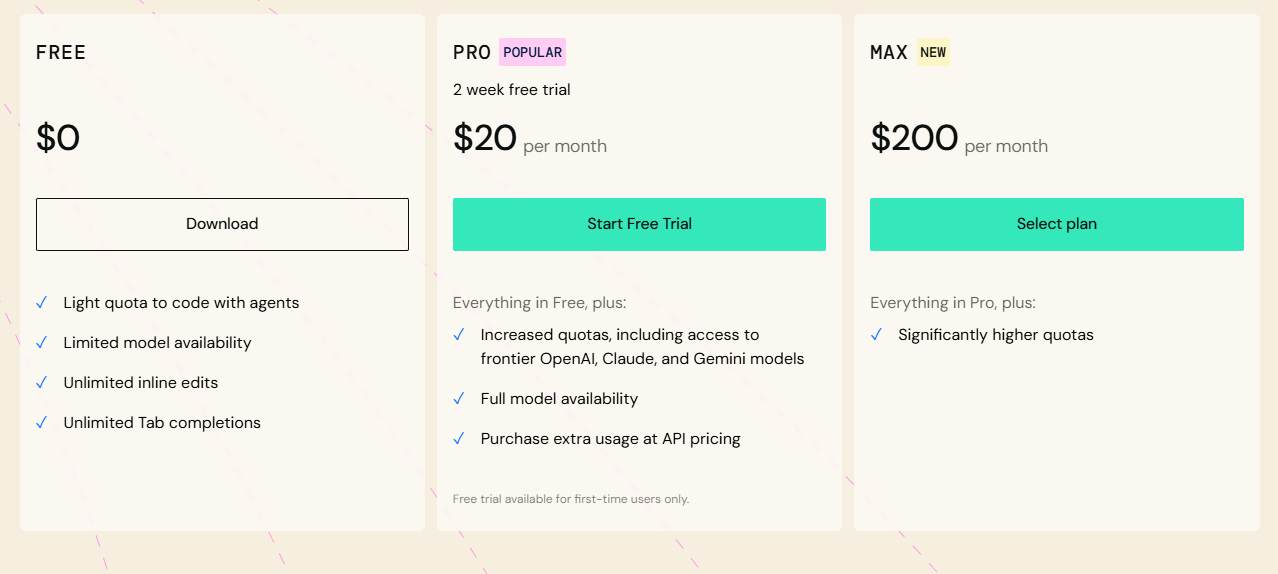
- Free — $0/month — 25 credits/month (~3–5 Cascade sessions), unlimited SWE-1 Lite usage, unlimited Tab completions, 1 app deploy/day. Enough to evaluate the tool before committing.
- Pro — $15/month — 500 credits/month (~$20 face value at $0.04/credit), full SWE-1 model access, 5 deploys/day. BYOK available (Free/Pro users only). At $5 less than Cursor Pro ($20/month), Windsurf Pro is the value play in the agentic code editor market. Add-on credits: $10 for 250 additional credits.
- Teams — $30/user/month — 500 credits per user, admin controls, centralized billing, priority support. Cheaper than Cursor Teams ($40/user) but pricier than GitHub Copilot Business ($19/user). Add-on credits: $40 per 1,000.
- Enterprise — $60+/user/month — RBAC, SSO, Zero Data Retention defaults, hybrid/self-hosted deployment options, dedicated support. At 200+ seats, credit allocation doubles to 1,000 credits/user.
Third-party models like Claude Sonnet charge based on actual token usage (API price + 20% margin) rather than flat credit rates. 1 credit = $0.04 value; Claude Sonnet on Windsurf costs approximately $3.60/M input tokens and $18/M output tokens. For most Pro users doing typical development work, 500 credits/month covers daily use without hitting limits. Always verify current pricing at windsurf.com/pricing.
Windsurf vs Cursor: The Real Differences in 2026
Cursor ($20/month Pro) and Windsurf ($15/month Pro) are the two most-discussed agentic code editors in 2026. Windsurf's Cascade offers deeper multi-file context awareness; Cursor's Composer has a broader feature surface including Background Agents and BugBot. Cursor has significantly higher ARR ($2B+) and valuation ($29.3B) compared to Windsurf's $82M ARR at acquisition — a signal of relative adoption, not necessarily quality. For solo developers doing active daily coding, the $5/month difference is minor. The meaningful question is whether you prefer Cascade's deep codebase understanding or Cursor's wider feature set. Windsurf's advantage for teams: ZDR defaults on Enterprise and the Cognition/Devin roadmap toward fully autonomous development workflows.
Pros & Cons
Pros:
- Cascade handles true multi-file agentic edits — not just inline suggestions
- Tab completions are completely free, no credit consumption
- Pro at $15/month is $5 cheaper than Cursor Pro with comparable features
- SWE-1 Lite available at zero credit cost — unlimited free access to an engineering-optimized model
- #1 in LogRocket's AI Dev Tool Power Rankings as of February 2026
Cons:
- Free tier's 25 credits runs out in a few sessions — not suitable for sustained free use
- BYOK only available on Free and Pro, not Teams/Enterprise
- Cognition acquisition creates some uncertainty about long-term product direction
- Smaller community and ecosystem than GitHub Copilot
Bottom Line
Windsurf is the best-value agentic code editor available in 2026 for solo developers. At $15/month for Pro, Cascade's multi-file editing genuinely reduces the cognitive load of complex refactors in a way that single-file autocomplete tools cannot replicate. Start with the free tier — 25 credits is enough to run a real Cascade session and form an informed opinion before paying.