Home/Blog/未分类/I Tested 10 AI Video Tools for Two Weeks Straight. I’m Still Recovering
🤖 未分类📅 3 月 2, 2026⏱ 7 min read
I Tested 10 AI Video Tools for Two Weeks Straight. I’m Still Recovering
I tested 10 AI video tools for two weeks straight — Seedance 2.0, Kling 3.0, Runway Gen-3, Sora 2, and more. Here's what actually worked, what failed, and which one I'd use today.
For about two weeks, my entire life revolved around AI video tools.
Not in a metaphorical way. I mean literally. I woke up thinking about prompts. I fell asleep watching renders chug along. My Downloads folder turned into a graveyard of half-used clips, broken hands, flickering faces, and the occasional moment of genuine magic.
I ran everything I could get access to: ByteDance’s Seedance 2.0, Kuaishou’s Kling 3.0, Runway Gen-3 Alpha, OpenAI’s Sora 2, Luma’s Dream Machine, Pika Labs 2.0, Google’s Veo 3.1, Hailuo from MiniMax, WaveSpeedAI’s model hub, and Stability AI’s open-source SVD.
Hundreds of clips. Five-second product shots. Twenty-second narrative scenes. Talking heads. Silent mood pieces. Stuff I’d actually deliver to a real client — not just demo reel fodder.
And honestly? I’m still mentally tired.
I didn’t do this because I love pain. I did it because I was sick of reading hype threads that rank tools by benchmarks or cherry-picked demo videos. Numbers don’t matter when you’re on deadline. They don’t help when a client wants one tiny revision and your AI actor suddenly grows a sixth finger.
So this isn’t a technical breakdown. No parameter charts. No lab scores.
This is what it actually felt like to use these tools on real projects, with real constraints, and very real frustration.
One thing I’ll say upfront: no tool owns 2026 yet. Every single platform gave me moments where I thought, “Okay, this is the future” — immediately followed by moments where I stared at the screen wondering why I didn’t just hire a person.
Here’s how they actually stack up.
The No-Fluff Ranking (Based on Real Use)
Rank
Tool
One-Line Verdict
Best For
Cost (Approx.)
My Score
1
Seedance 2.0
Director-level control that finally nails lip-sync
Brand ads, talking heads
$9–$18/mo
9.1
2
Kling 3.0
Physics so good it feels unfair
Cinematic realism
$10–$20/mo
8.9
3
Runway Gen-3
Still the artist’s favorite
Creative direction
$15+/mo
8.7
4
WaveSpeedAI
Everything, everywhere, all at once
Teams & power users
Usage-based
8.5
5
Sora 2
Best story intuition in the game
Narrative shorts
$200/mo (Pro)
8.3
6
Luma Dream Machine
Product shots that look genuinely real
E-commerce
$20–$50/mo
8.1
7
Pika Labs 2.0
Fast, fun, and social-native
TikTok creators
$10–$30/mo
7.8
8
Veo 3.1
Native audio is the hook
Quick social shorts
Varies
7.6
9
Hailuo (MiniMax)
Insane value if you’re in the right market
Chinese-language content
Very cheap
7.4
10
Stability AI SVD
Open-source freedom with open-source friction
Developers, tinkerers
Free
6.9
1. Seedance 2.0 — The Director’s Tool (With a Catch)
This is the one that made me say “holy shit” out loud. And I don’t say that about a lot of software.
I was helping a friend promote her small coffee roastery. We already had a voice track, a few still photos of the shop, and a reference clip showing the slow push-in camera move we wanted. In the past, this would’ve meant a half-day shoot and another day of editing.
With Seedance, I uploaded the audio, three images, and the reference clip. Hit generate.
Forty-five seconds later, I watched the output and just sat there. Her mouth matched every syllable — including the tiny tongue click on “espresso.” The camera move followed my reference almost perfectly. Lighting shifted naturally as she walked toward the window.
Second generation: I asked for a bigger smile at the end. The smile worked. Her left hand suddenly had an extra finger melting into a coffee bag.
Third generation: fixed the hand. Steam flickered weirdly.
Fourth generation: basically perfect.
Total cost? About seventy cents.
That’s when Seedance clicked for me. It doesn’t feel like a clip generator. It feels like something making actual directing decisions alongside you.
The problem is the privacy situation. In February 2026, ByteDance restricted real-person reference images on Jimeng due to legal pressure. Style references still work, but character consistency took a hit overnight.
Right now, Seedance is the best tool I’ve used for precise talking-head and branded content. I just wouldn’t build an entire workflow around it without keeping one eye on how that policy evolves.
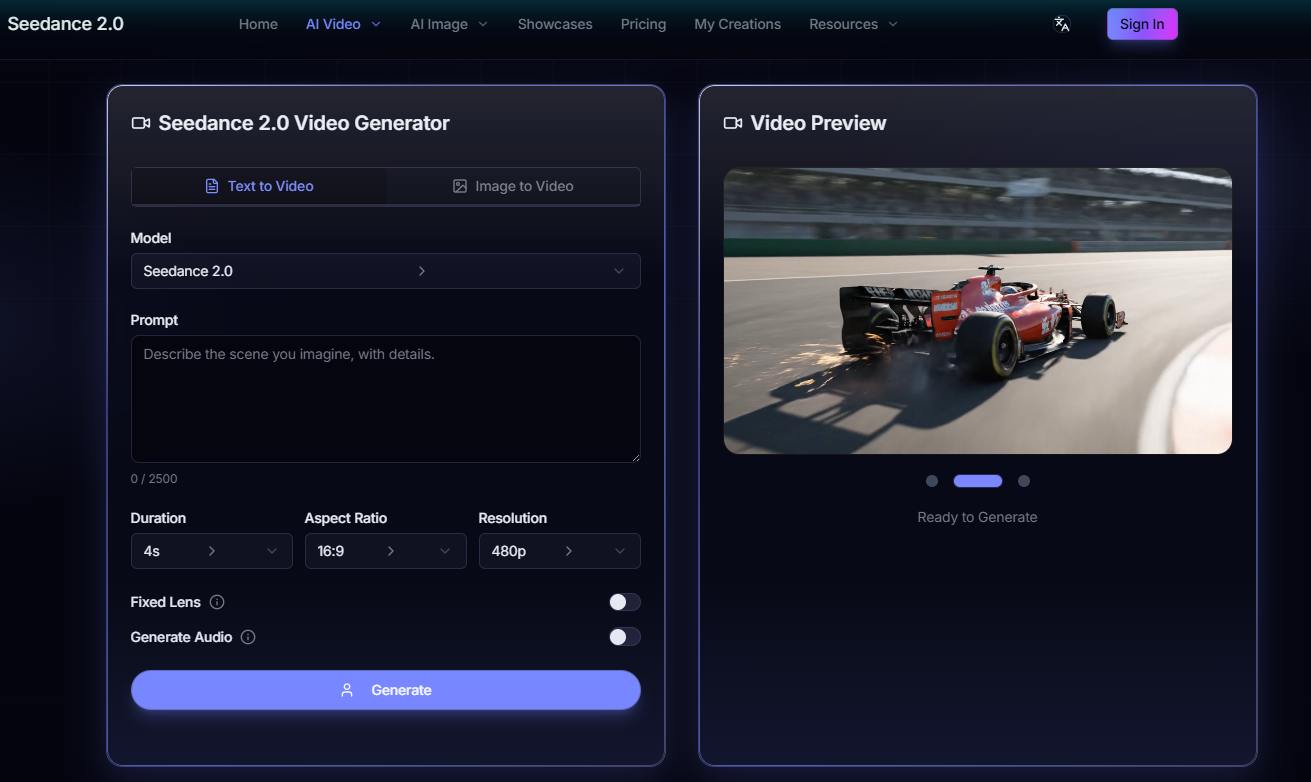
Seedance 2.0 — director-level control with precise lip-sync
2. Kling 3.0 — The Physics King
If Seedance thinks like a director, Kling thinks like gravity.
I ran the same coffee scenario through Kling. The pour looked real. Steam rose naturally. Fingers bent like actual fingers, not rubber noodles. Light refracted through droplets on the window in a way that made my brain just accept the scene as real.
The trade-off is audio. Kling still outputs silent video. Lip-sync exists but it’s a separate step, and it’s not as seamless as Seedance.
Longer clips sometimes drift too. Hair color shifts. Eyes subtly change shape between cuts. Nothing catastrophic, but enough to notice — and enough to kill a client approval if they’re paying attention.
Kling is also slower. High-quality generations can take a few minutes, and credits disappear fast if you’re iterating.
But if your priority is believable physical motion and you’re comfortable handling audio in post, Kling is still hard to beat.
3. Runway Gen-3 Alpha — The Artist’s Brush
Runway feels almost unchanged from last year, and I don’t mean that as a complaint.
The motion brush is still my favorite creative control tool in this entire space. I painted a spiral path for falling leaves and watched the motion follow it perfectly. No prompt gymnastics. No retries. Just draw and go.
It’s not hyper-realistic, though. Humans look slightly stylized. Audio is still external. If you need something that passes for documentary footage, look elsewhere.
But if I’m doing concept visuals or mood pieces for an ad pitch — or anything where artistic feel matters more than realism — Runway is still my first stop.
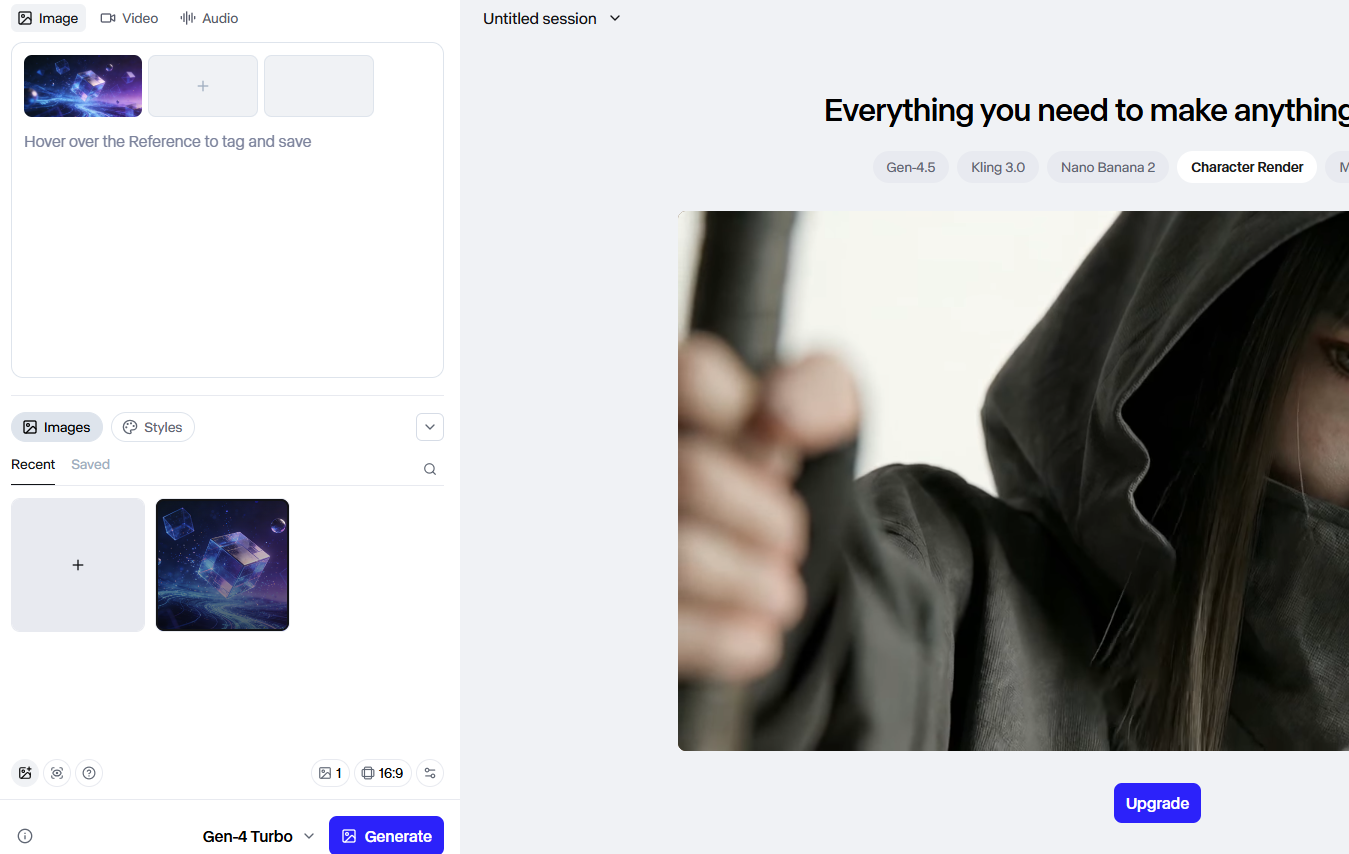
Runway Gen-3 Alpha — the motion brush is still unmatched for creative control
The Rest, Quickly (But Honestly)
WaveSpeedAI is overwhelming in the best possible way. Six hundred models in one hub is incredible if you’re constantly switching between use cases. It’s a lot to navigate if you’re solo and just want to get something done.
Sora 2 understands story better than anything else in this list. Emotional beats. Symbolism. Scene transitions that actually feel intentional. Access is still limited, generation is slow, and the price is steep — but narratively, it’s genuinely special.
Luma Dream Machine shines on product realism. Bottles, shoes, gadgets — all look fantastic. Ask it to get weird or emotional and it fumbles.
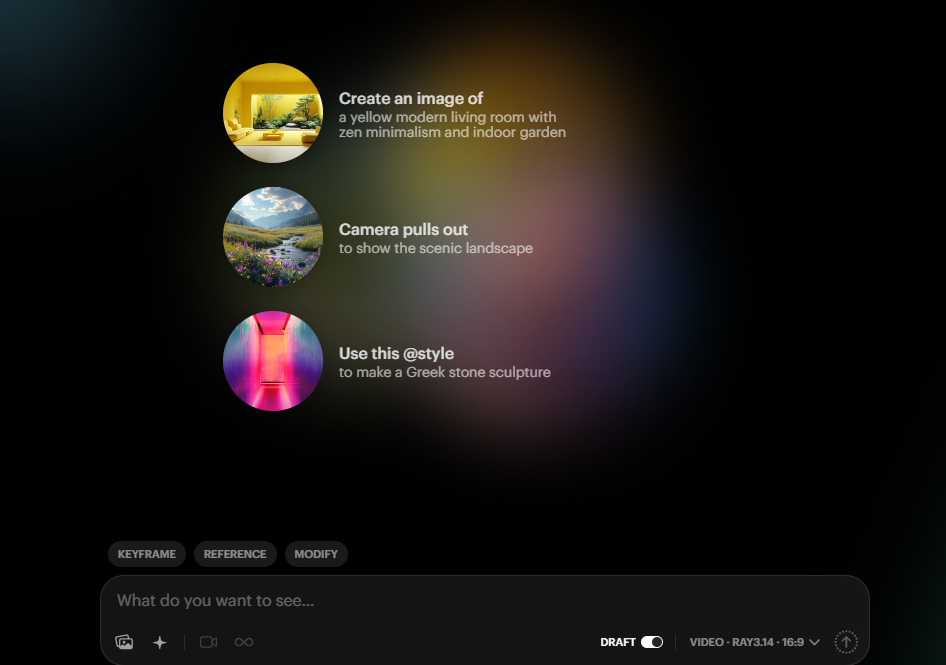
Luma Dream Machine — unbeatable for product shots, struggles with anything abstract
Pika Labs 2.0 is built for speed. It’s what I’d reach for when I need content out today, not content that’s perfect.
Veo 3.1 having native sound is genuinely useful. Fewer post-production headaches, fewer sync issues. The ecosystem is still young and the output can feel a bit flat, but it’s moving fast.
Hailuo is shockingly good for the price, especially if you’re creating Chinese-language content. Outside that context, it’s less compelling.
Stability AI SVD is freedom with friction. Great if you care about privacy, customization, and keeping your data local. Not beginner-friendly, and not where I’d send a client.
How I’d Actually Choose Right Now
If someone asked me today which tool to use:
Seedance if you need precision and lip-sync
Kling if realism is the priority
Runway if you want creative control
WaveSpeedAI if you need flexibility across projects
Sora if storytelling matters most
Luma if you’re shooting product content
Pika if you need to move fast for social
Veo if syncing audio separately drives you crazy
Hailuo if you’re on a tight budget and working in Asia
Stability SVD if you want to own the whole pipeline
No tool is perfect. Every single one disappointed me at some point during these two weeks.
But here’s what surprised me most: the gap between “AI video is unusable garbage” and “AI video is good enough for paid client work” closed faster in early 2026 than I expected.
The last ten percent of quality is still painful. Still expensive. Still unpredictable enough to age you.
Which keeps bringing me back to the same question.
Are you willing to trade some consistency and sanity for speed and cost savings — or would you rather pay a human and know exactly what you’re getting?
I genuinely don’t think there’s a wrong answer anymore. That’s either exciting or terrifying depending on what side of the camera you’re on.
I’m curious which tool you’d reach for first — and why. Drop it in the comments.
Free AI Prompts
🎬 Video Prompts for ChatGPT & Claude
Copy-ready prompts you can use right now — free, no login needed